ADBKit
A cross-platform desktop toolkit for Android device work over ADB, Fastboot, and scrcpy. Built with Wails v3 pairing a Go backend with a React 19 frontend: device dashboard, app and file operations, partition flashing, terminal, logcat, and screen mirroring, without the weight of Electron alternatives.
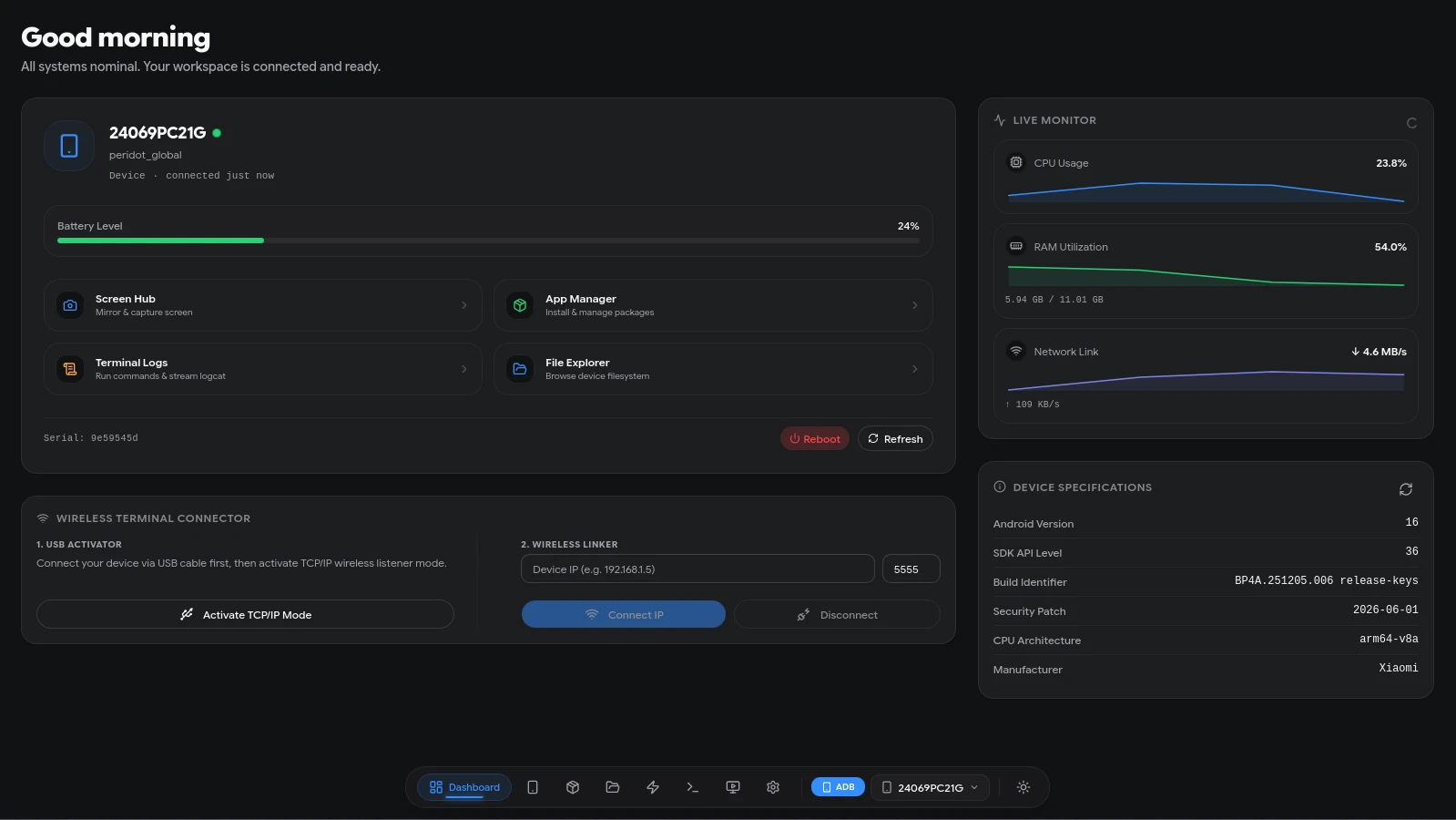
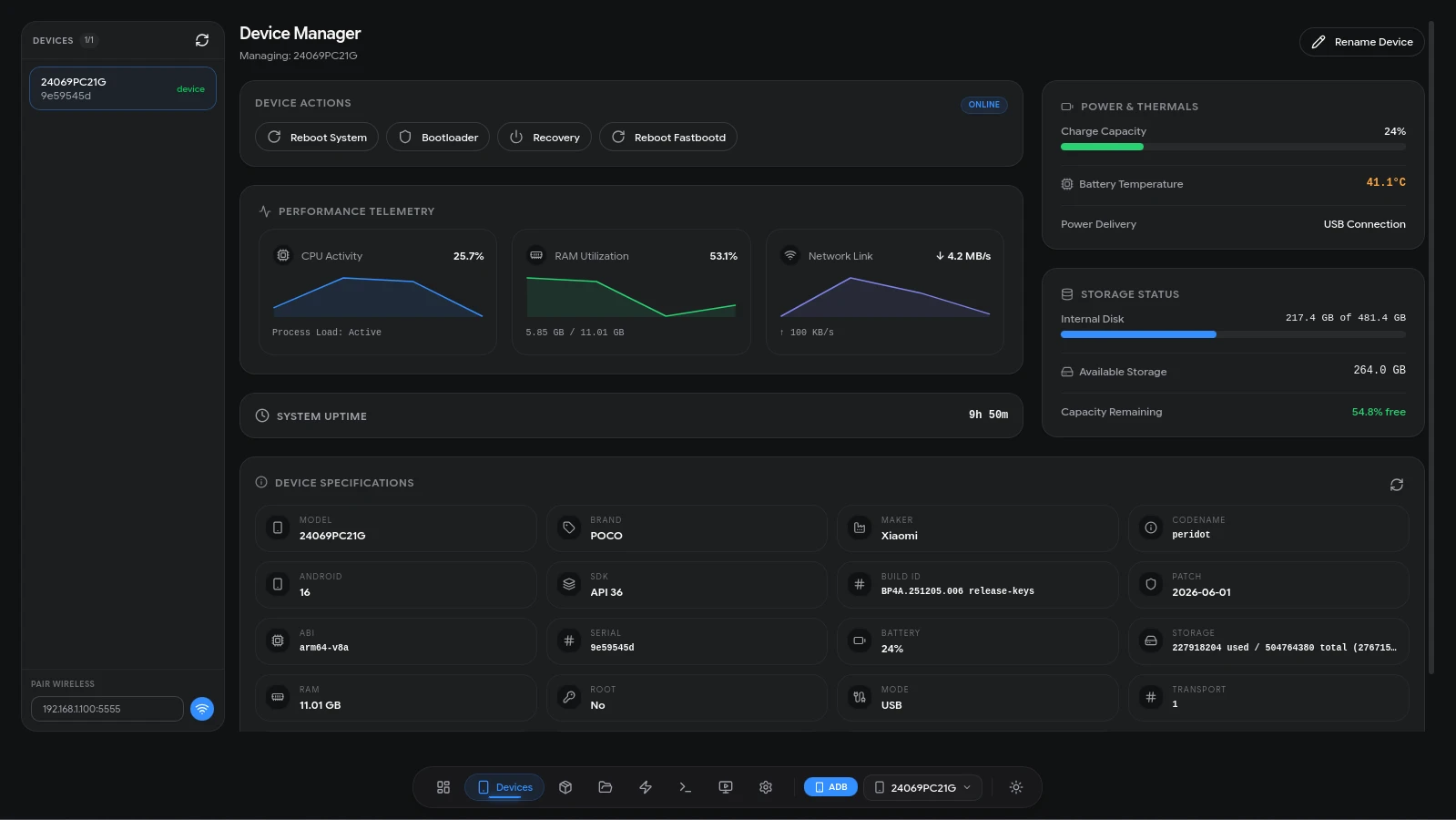
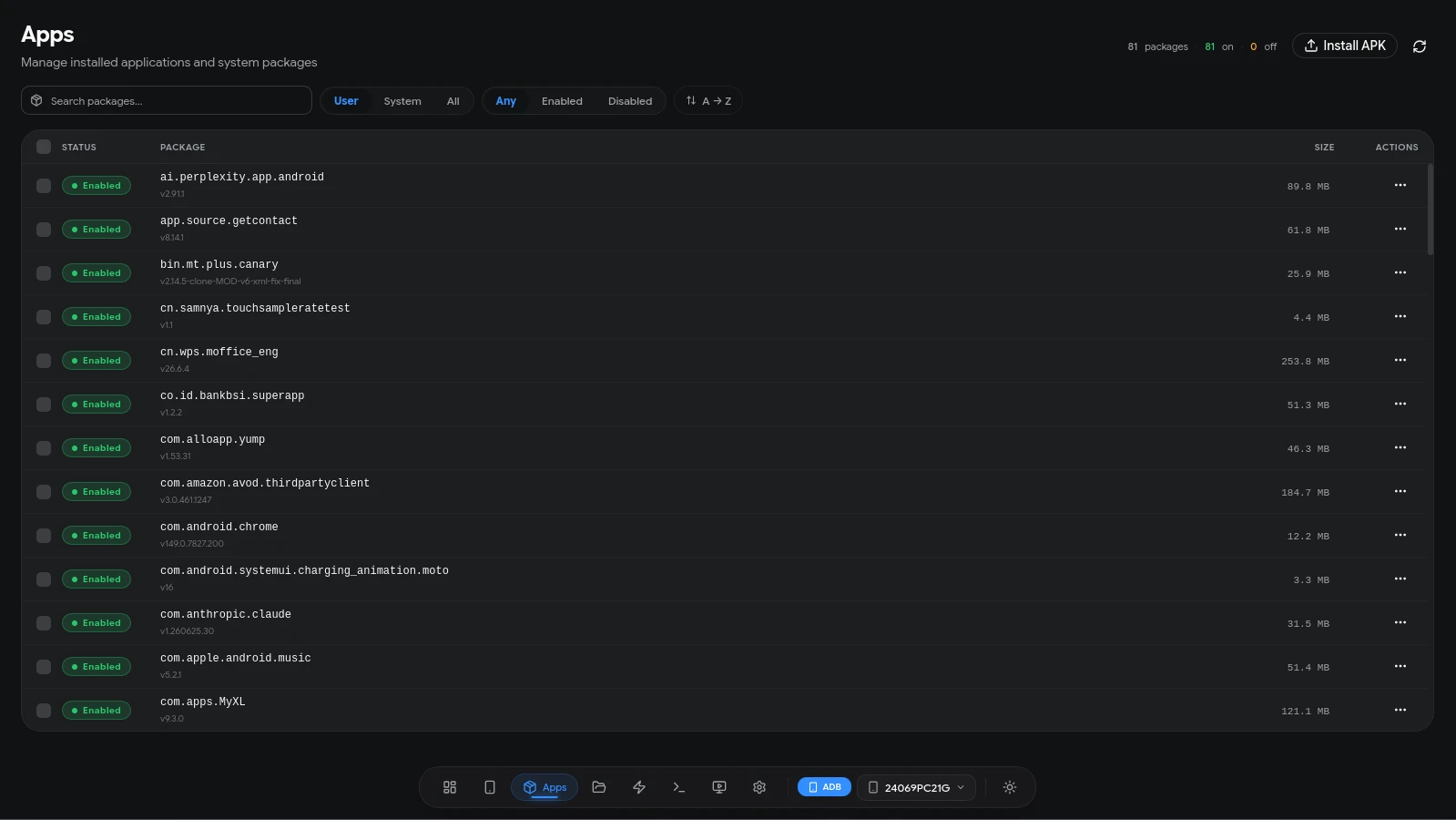
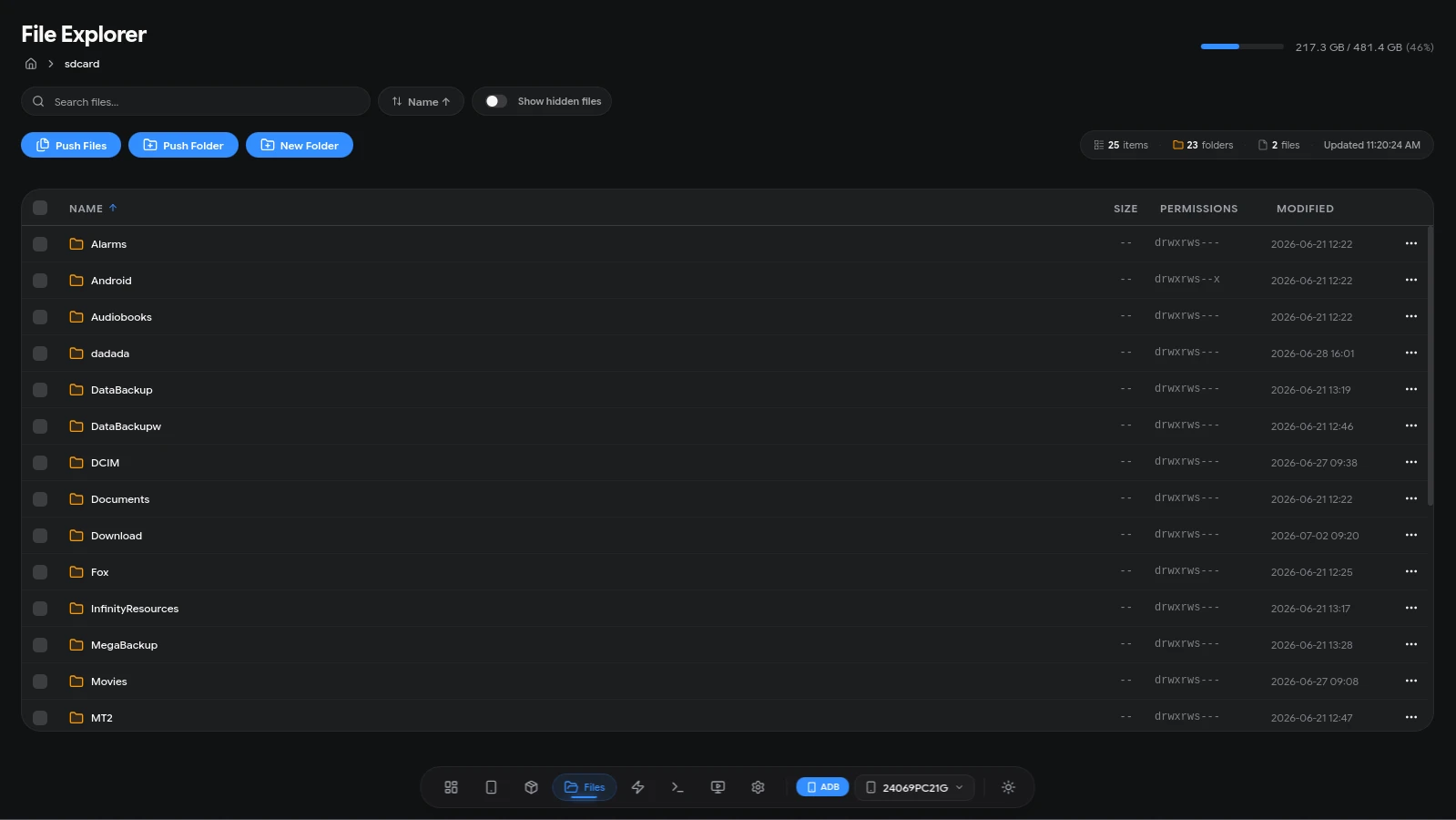
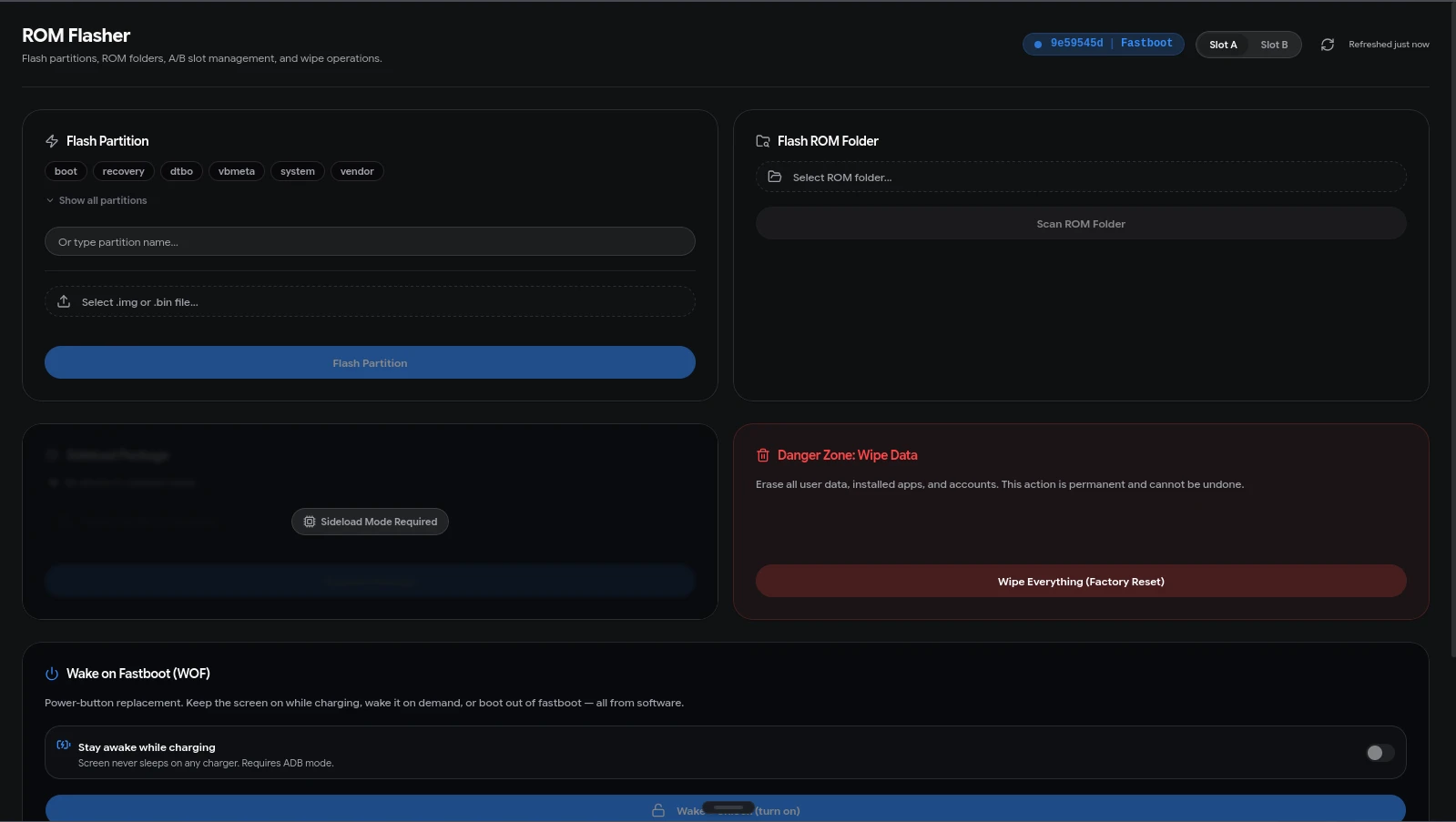
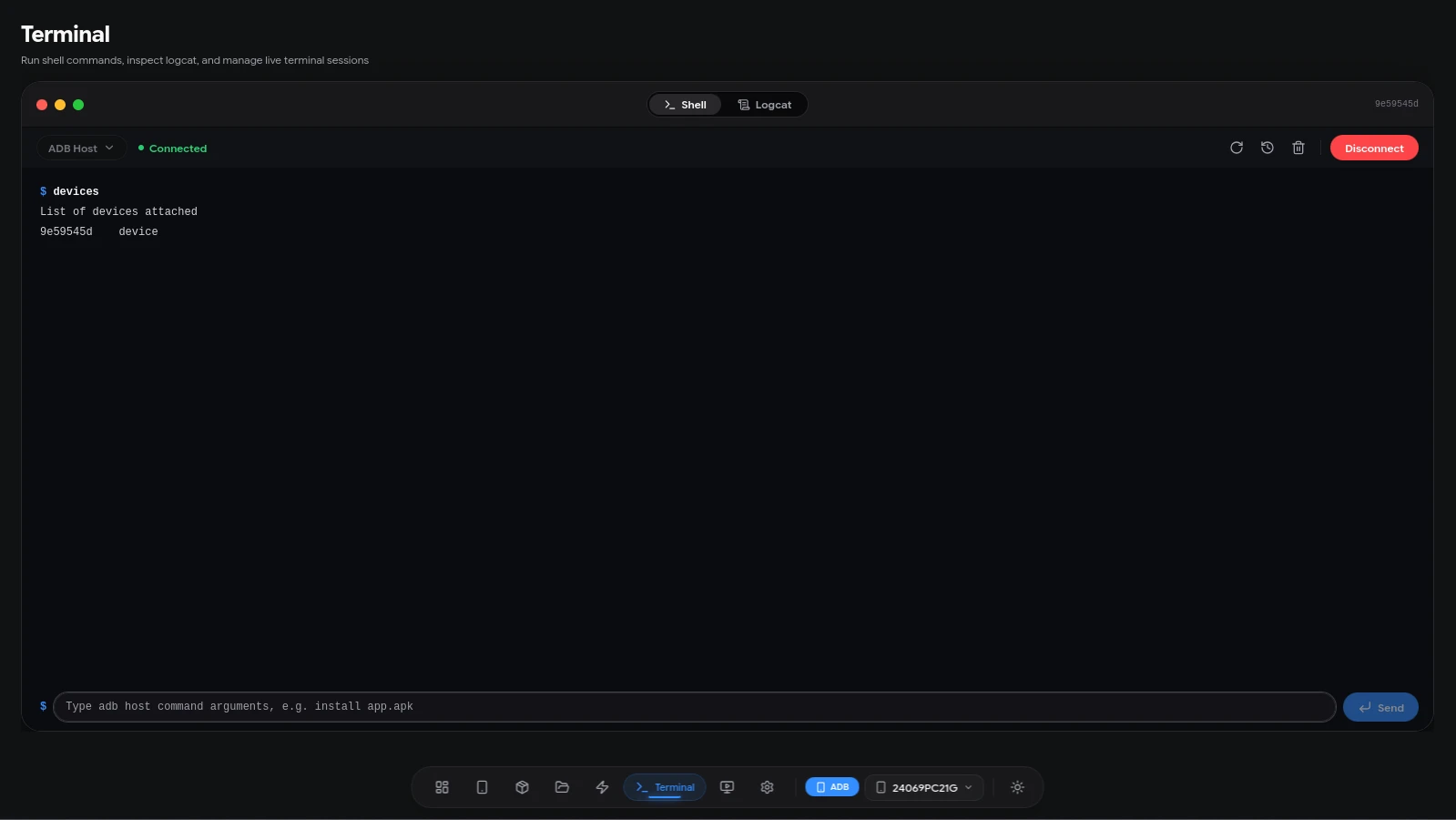
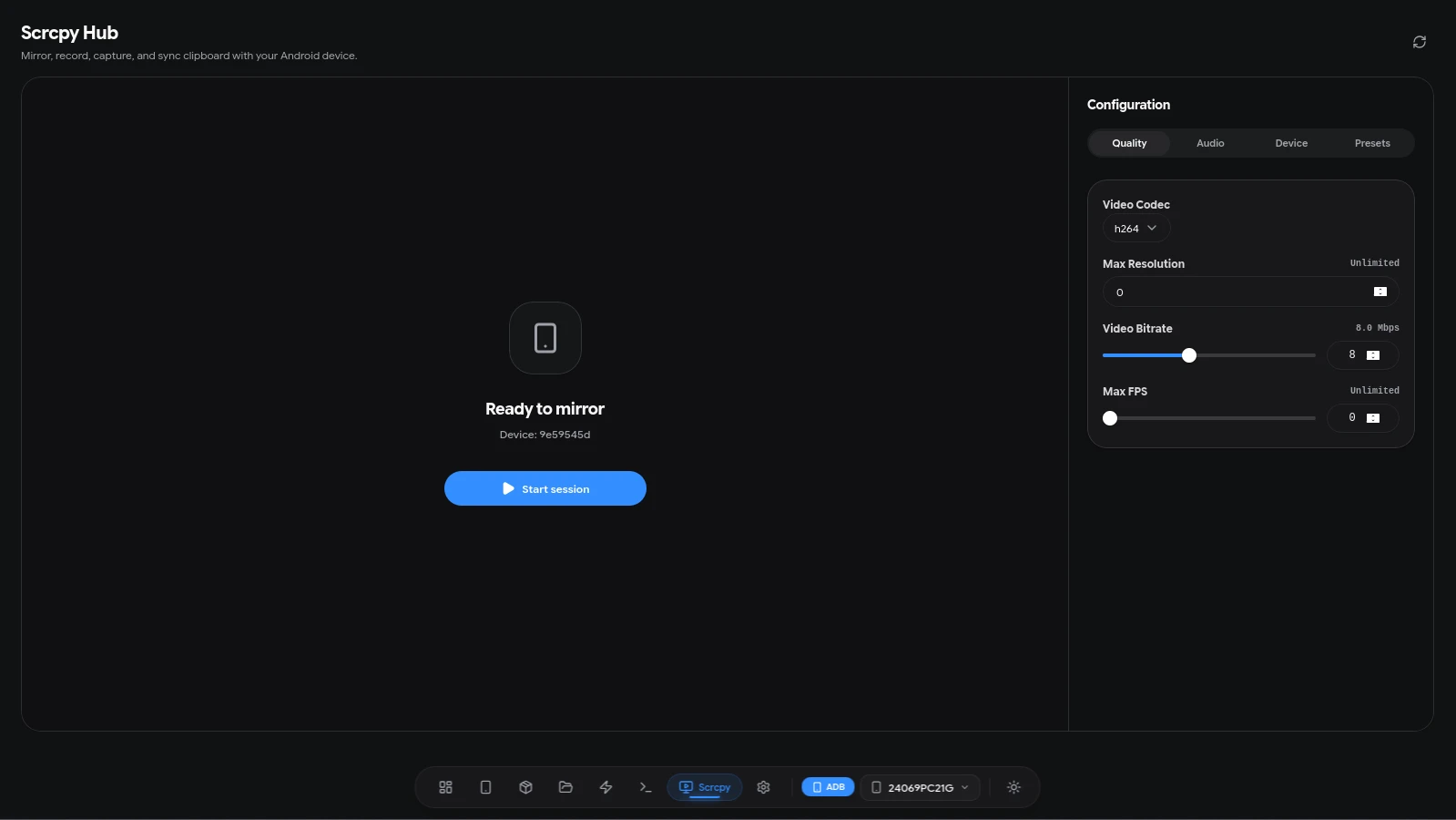
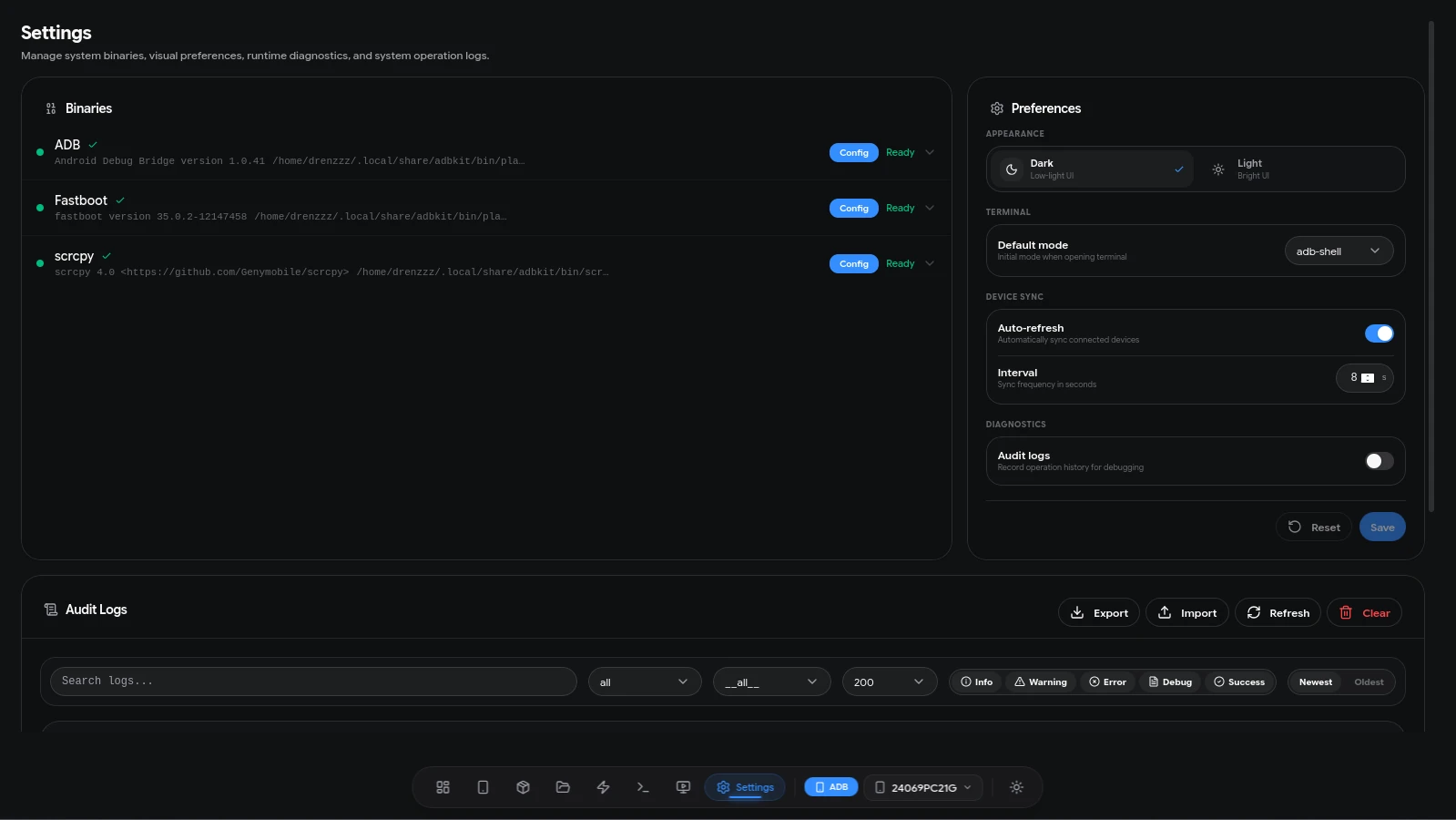
ADBKit is a developer tool for managing Android devices over ADB, Fastboot, and scrcpy from a GUI. No overhead of an Electron-based alternative. It wraps the raw command surface into an interface built for speed, covering device management, file operations, app control, partition flashing, an integrated terminal, logcat streaming, and screen mirroring.
Unlike similar tools that are usually heavy (because they are built on Electron), this app uses Wails v3, which pairs a Go backend with a React frontend. The result is a very lightweight application (installer under 20MB) that still packs a wide feature set.
Key Features
- Device Dashboard: See battery, storage, RAM, and performance data live, connect over USB or wireless ADB through the pairing flow, then edit nicknames, take screenshots, and run reboot actions.
- App Manager: Browse a virtualized package list, install from the file picker or drag and drop, run batch enable, disable, and clear-data actions, pull APKs, and search, filter, and sort.
- File Explorer: Navigate with breadcrumbs and hidden-file support, push and pull files with live progress and cancel, check storage usage, jump to external SD cards, and get clear guidance when Android blocks a protected path.
- Flasher: Flash partitions after name validation, scan a ROM folder and review the Flash Plan before writing, manage A/B slots, sideload ZIPs, and use Wake on Fastboot actions.
- Terminal and Logcat: Work in ADB shell, ADB host, and Fastboot host modes with command history, then stream Logcat with level, tag, and text filters and export it to a file.
- Scrcpy Controls: Mirror the screen in a native window, record with a timer and file-size estimate, capture screenshots, sync the clipboard, and keep saved presets for resolution, FPS, bitrate, and codec.
- Setup and Diagnostics: A first-run wizard that detects or downloads ADB, Fastboot, and scrcpy packages, plus dark and light themes, persisted window state, audit logs, and runtime diagnostics.
Technical Challenge
The hardest part of this project was handling concurrency when running long ADB commands (such as logcat or large file transfers) so the UI would not freeze.
The fix was to use goroutines on the Go backend to handle I/O asynchronously, then stream status updates to the React frontend in real time through Wails events. This architecture keeps the UI smooth at 60fps even while transferring multi-gigabyte files.
Tech Stack
- Core: Wails v3 (Go + WebView2 / WebKitGTK)
- Frontend: React 19, TypeScript 7, Vite 8
- UI Framework: Tailwind CSS v4, shadcn/ui, Base UI
- State and Data: Zustand, TanStack Query, Immer
- Backend Logic: Go (standard library)