Captord
A local-first Android screen recorder for reliable MP4 capture. Built with Kotlin and Jetpack Compose, Captord keeps recordings on-device with no accounts, cloud sync, or analytics upload.
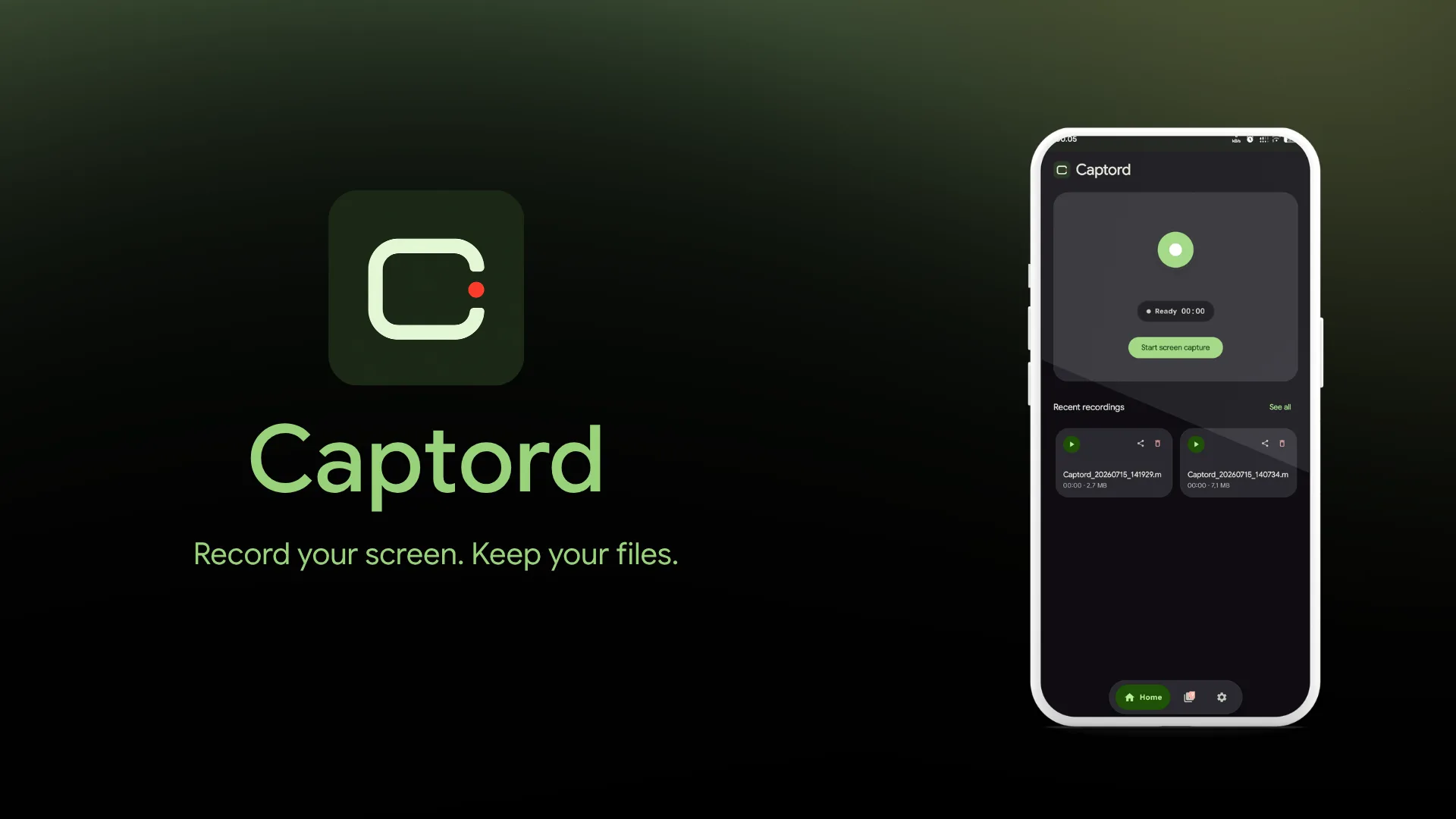
Captord is an Android screen recorder built for a simple promise: record the screen, then keep the file. It saves local .mp4 recordings to Movies/Captord or a user-selected folder, with no account, cloud sync, or analytics upload.
The app keeps the recording flow focused on the home screen while exposing deeper controls in Settings. A foreground service owns the session and timer, so recording continues when the app is backgrounded and can be controlled from the notification, floating overlay, Quick Settings tile, or launcher shortcuts.
Key Features
- Reliable Recording Controls: Start, pause, resume, and stop screen recording while preserving the active session outside the UI.
- Two Recording Engines: Use
MediaRecorderfor a straightforward microphone workflow or an advancedMediaCodecandMediaMuxerpipeline for higher frame rates, internal audio, and automatic file splitting. - Configurable Output: Choose H.264 or H.265, bitrate, frame rate, resolution, start countdown, and output location.
- Local Gallery Workflow: Browse, preview, share, and delete recordings directly on-device with Media3 playback.
- Android System Integration: Support foreground notifications, an optional floating control, a Quick Settings tile, dynamic color, and light, dark, or system themes.
Technical Challenge
Screen recording is not just a UI action. Android requires a fresh MediaProjection consent flow for each session, while the recording itself needs to stay alive when the app is no longer foregrounded. Output files also must not appear as completed recordings until the encoder and muxer have finalized successfully.
Captord routes the Compose UI through a repository to a foreground ScreenRecorderService, which owns recording state and timing. The service writes to a pending location first, then finalizes the .mp4 into the selected local directory only after a clean stop. This keeps the gallery free from incomplete files and gives the UI a single observable recording state.
Tech Stack
- Platform: Android, min SDK 29, target SDK 36
- Language and UI: Kotlin, Jetpack Compose, Material You
- Capture: MediaProjection, MediaRecorder, MediaCodec, MediaMuxer
- Audio: Microphone, internal audio, and mixed audio where supported
- Playback and Storage: Media3, Storage Access Framework, local MP4 output